I’ve been working in some projects and for a specific problem I needed to have more control in my network.
I need to setup more advanced stuff, like more specific routing rules, etc.
I could have done that on my router, but it could affect the usage for my family. So, thank god, I’ve got some old TP-Link routers as a gift from a friend, who was trying to get rid of this “junk”.
When I saw them I decided to try and install OpenWRT.
I’ve never used it before, but I had heard so many cool stuff about it, so I couldn’t help giving a try.
The model I was using was a TP-Link TL-WR840N v4 - BR and the official guide to install it is available at: https://openwrt.org/toh/tp-link/tl-wr840n_v4.

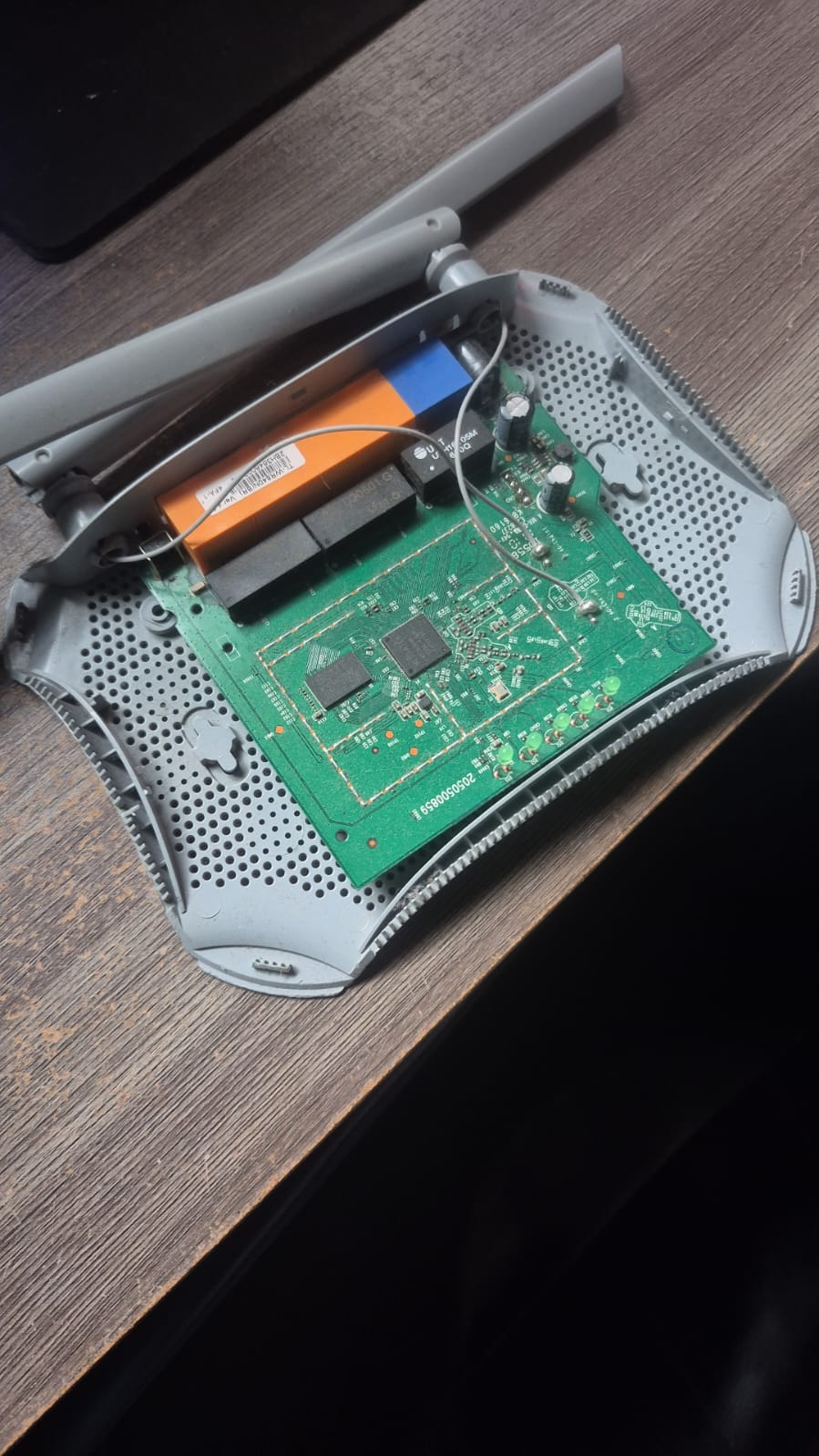
To install I had to setup a TFTP server and set the machine to ip 192.168.0.66, then connect wired the computer and the router through any LAN port, hold the reset button and then power-on the router.
For that, I did a small setup with my Raspberry-pi 3b+. I installed the package ftfpd-hpa, setup the server as disclosed in https://www.howtoraspberry.com/2022/03/how-to-build-a-tftp-server-on-a-raspberry-pi/. Then followed the installation guide from the openwrt page, and flashed the firmware and update.
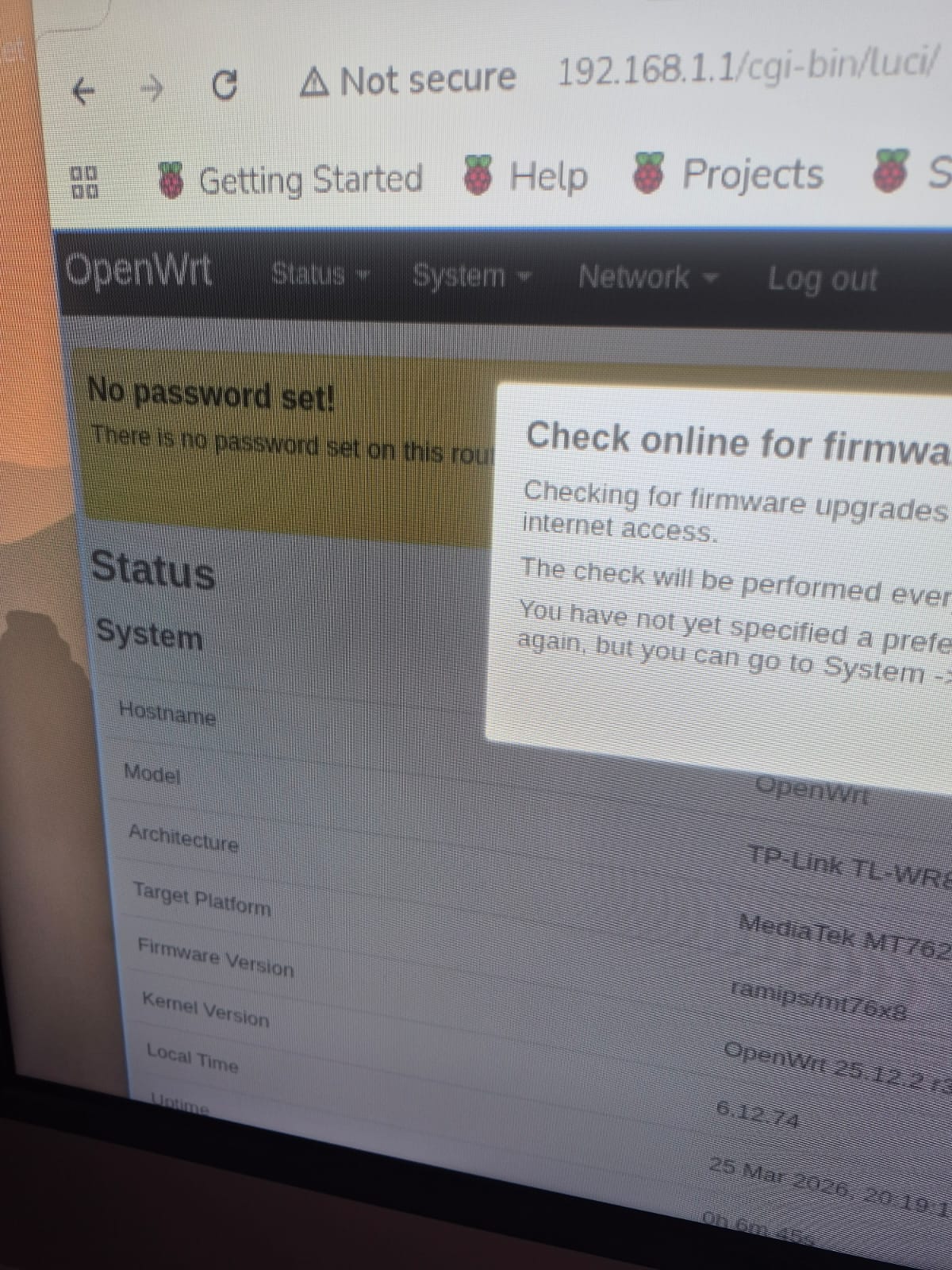
At first, I was kinda scary because the page: 192.168.1.1 was not working, I thought that maybe the setup didn’t work or whatever. Thank good I had forgot to change my ip back to DHCP and now after executing ping 192.168.1.1 the ping was reaching the host, after the update the web page was running correctly. Thank god!
I’m not a network guy, but I enjoy testing stuff, it will help me so much on my Hacking stuff.